
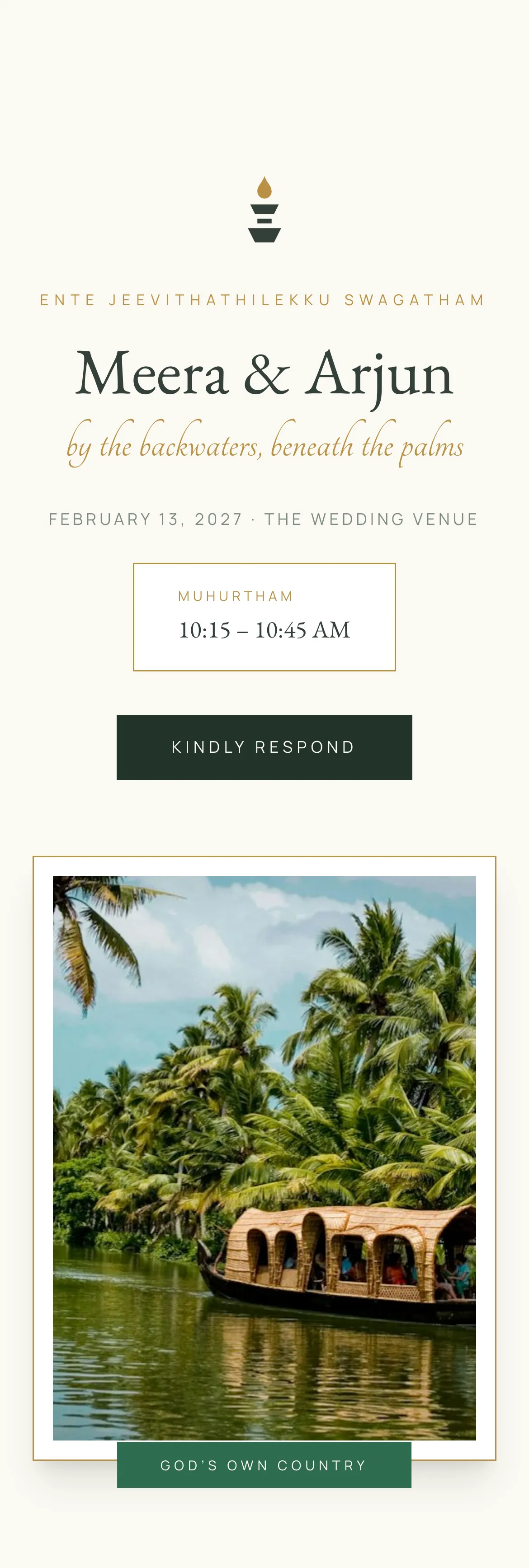
Your wedding website, as a PDF made for phones.
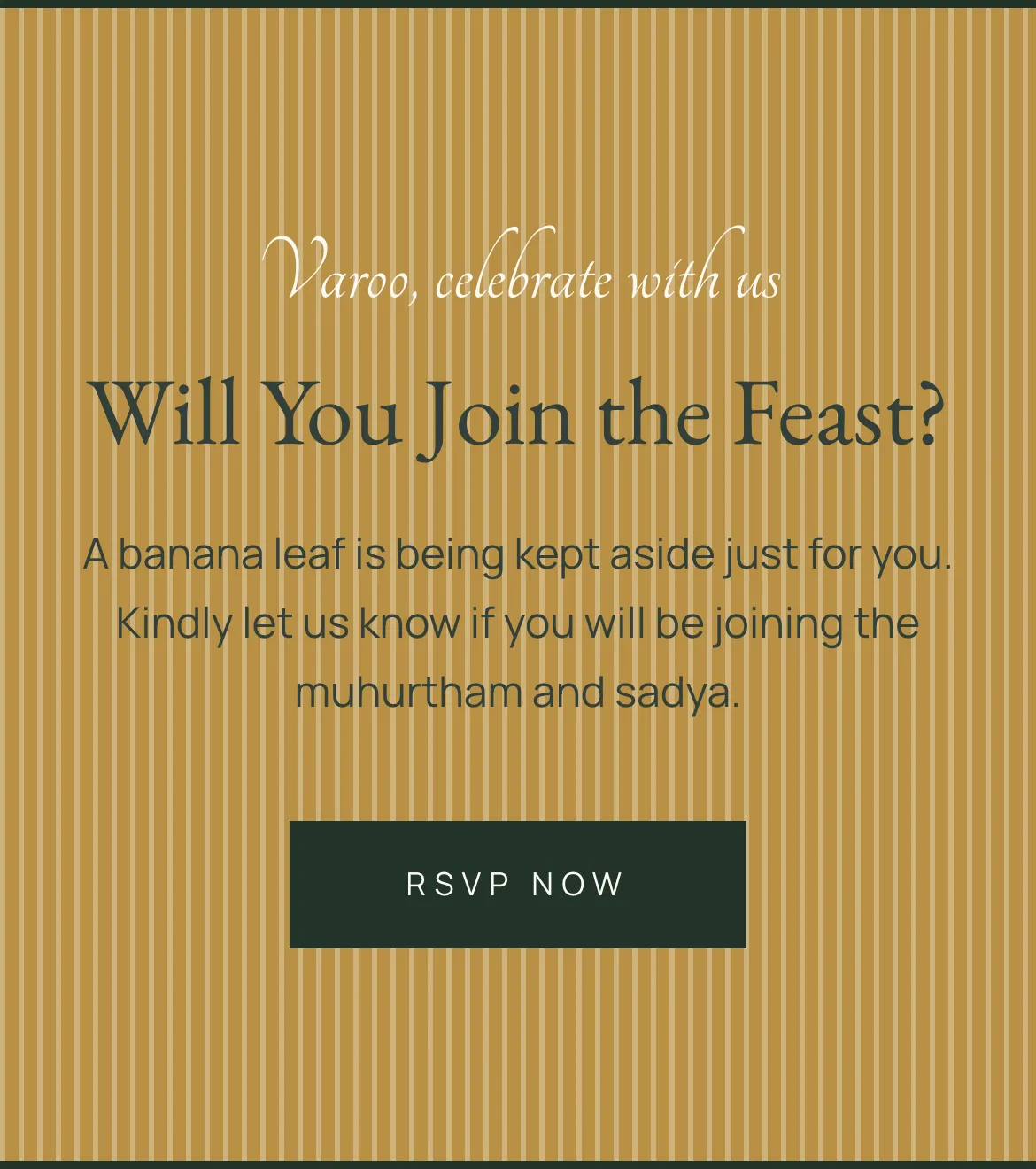
Turn your wedding website into one phone-sized PDF, choosing the sections that go in. Send it on WhatsApp to the elders who would rather have a file, or keep a copy for yourself. While your RSVP is open, its RSVP button still works: one tap opens your RSVP form.
Free today, no credit card needed.


- What it is
- Your wedding website as one phone-sized PDF, to send on WhatsApp or keep.
- Who it's for
- Couples whose parents and grandparents would rather have a file than a link.
- What it costs
- Free today, no credit card needed.
How the PDF is made
Start from your editor
Press Download PDF, then tick the sections the family should read.
Turn RSVP and registry on or off
Two switches add or leave out the RSVP and your registry.
Download the PDF
In the print window, choose Save as PDF, then send it on WhatsApp.
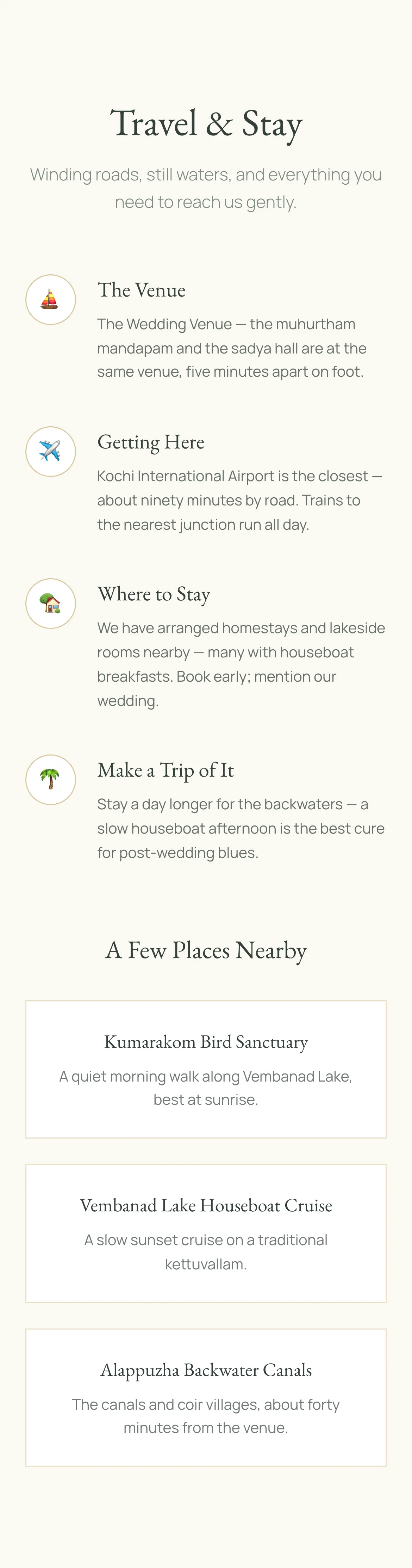
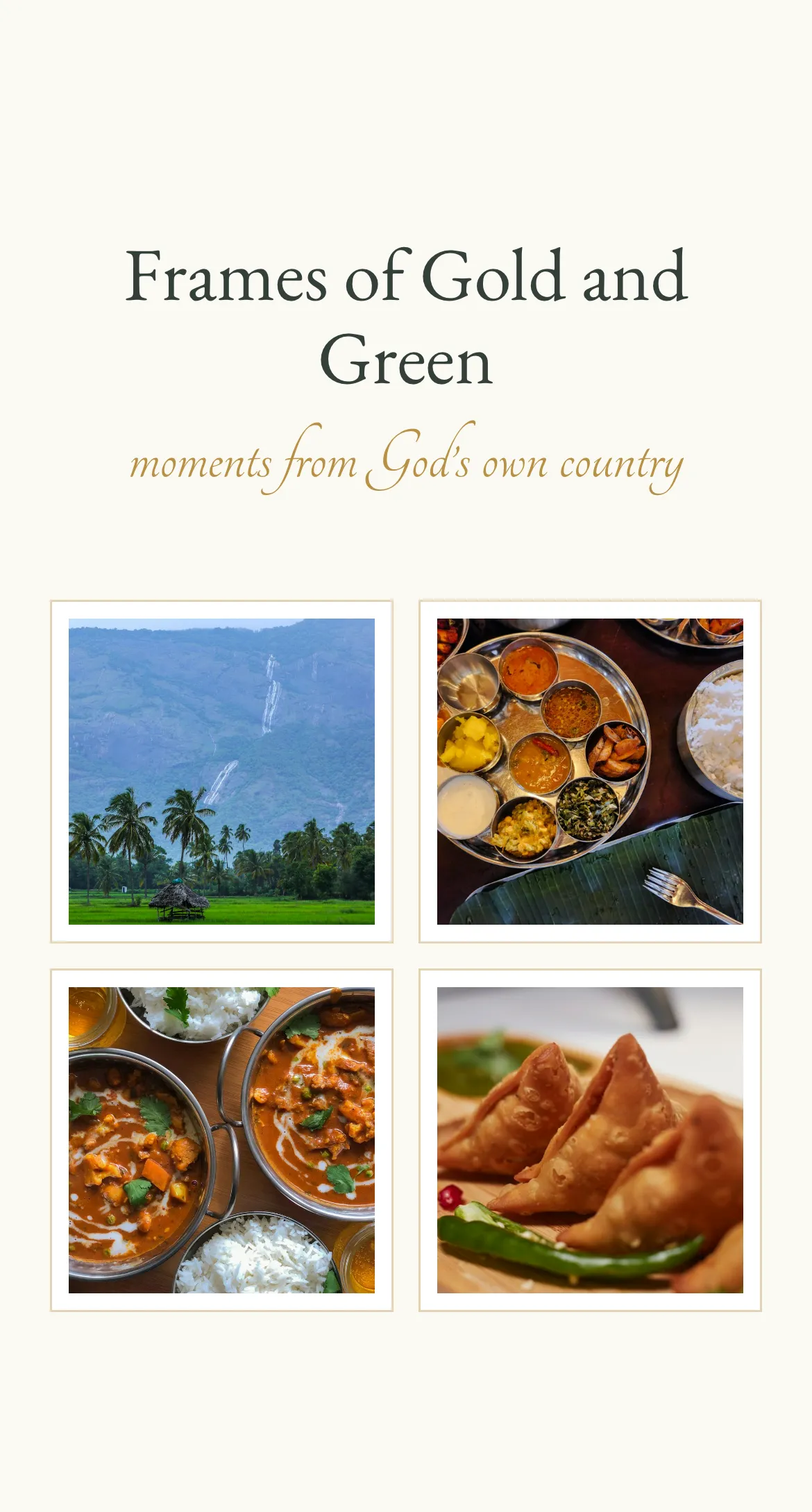
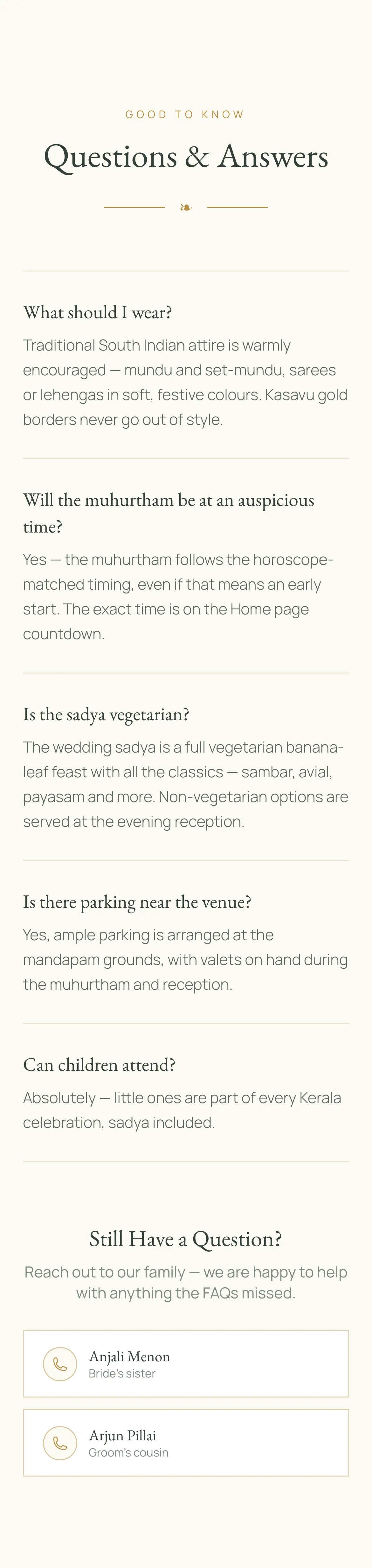
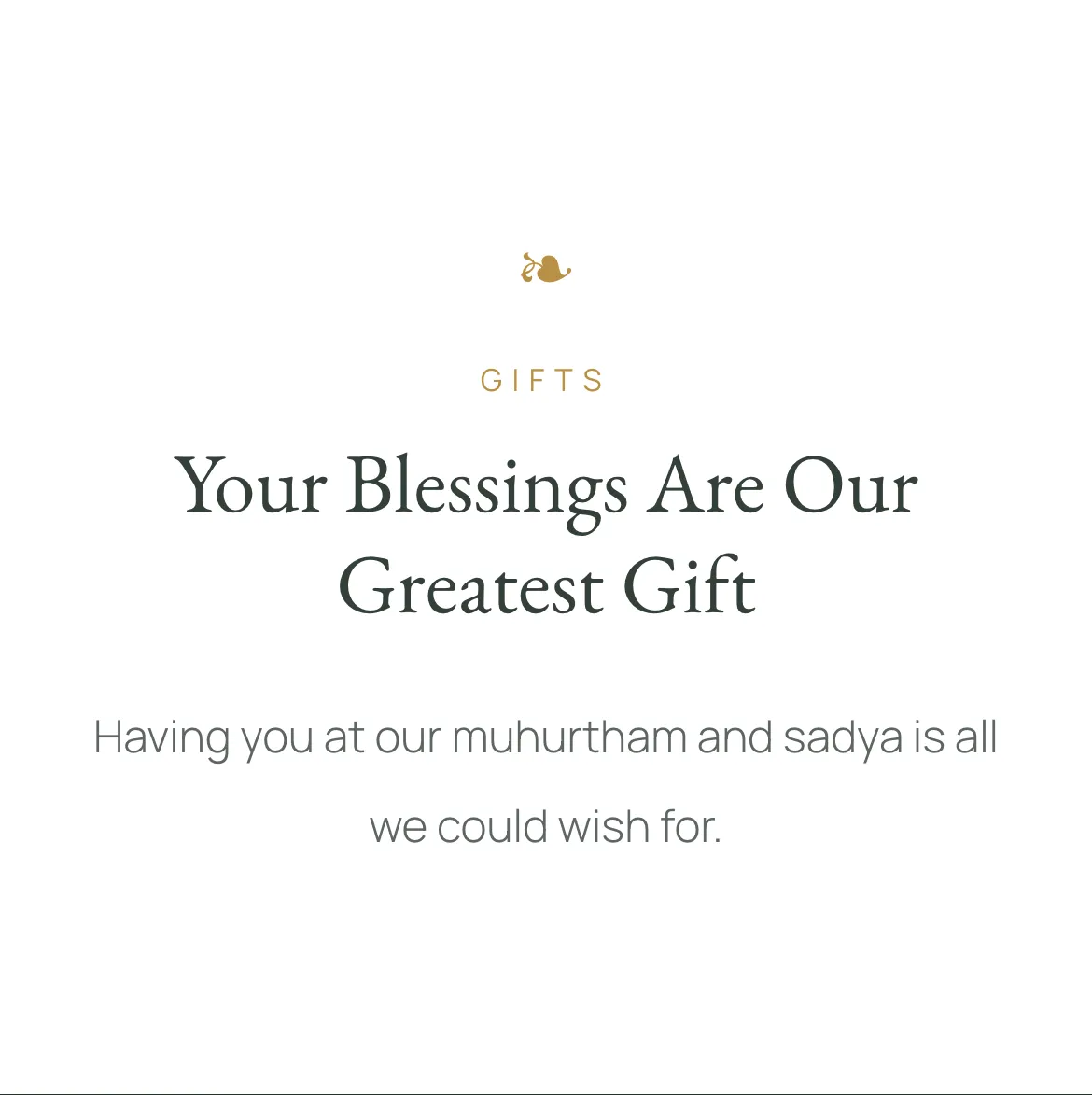

Who it's for
A link is perfect for most guests. A file suits the few who like to keep things.
Elders who prefer a file
Dadi and Nani can open it from the chat, read it at their own pace, and keep it. Nothing to sign in to.
Relatives who like everything in one place
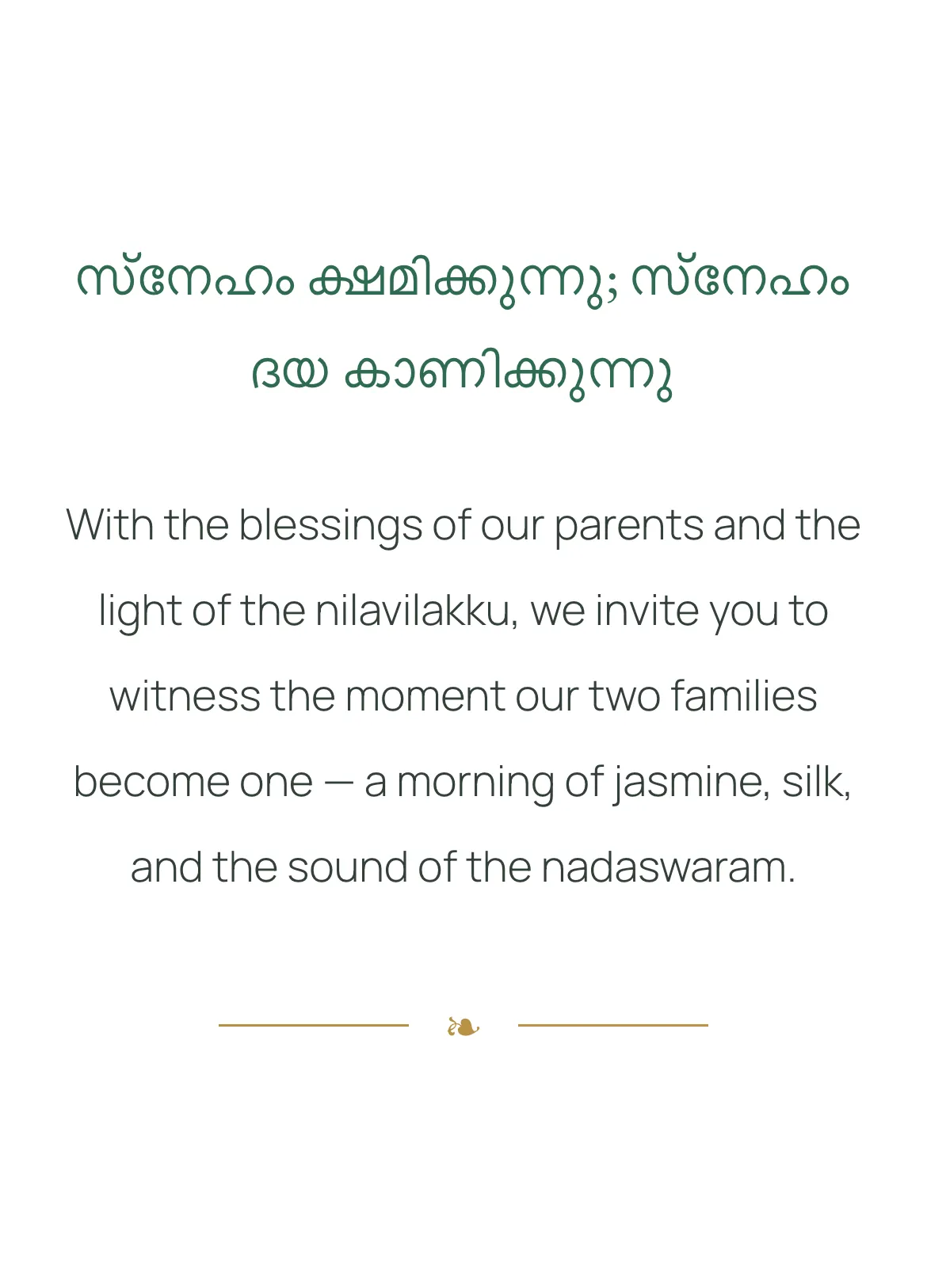
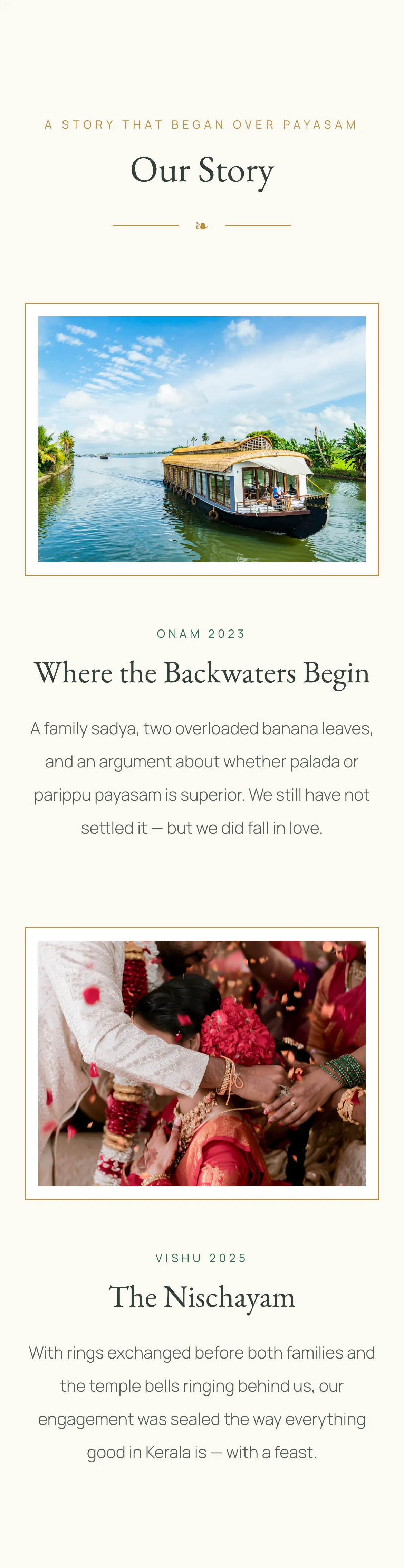
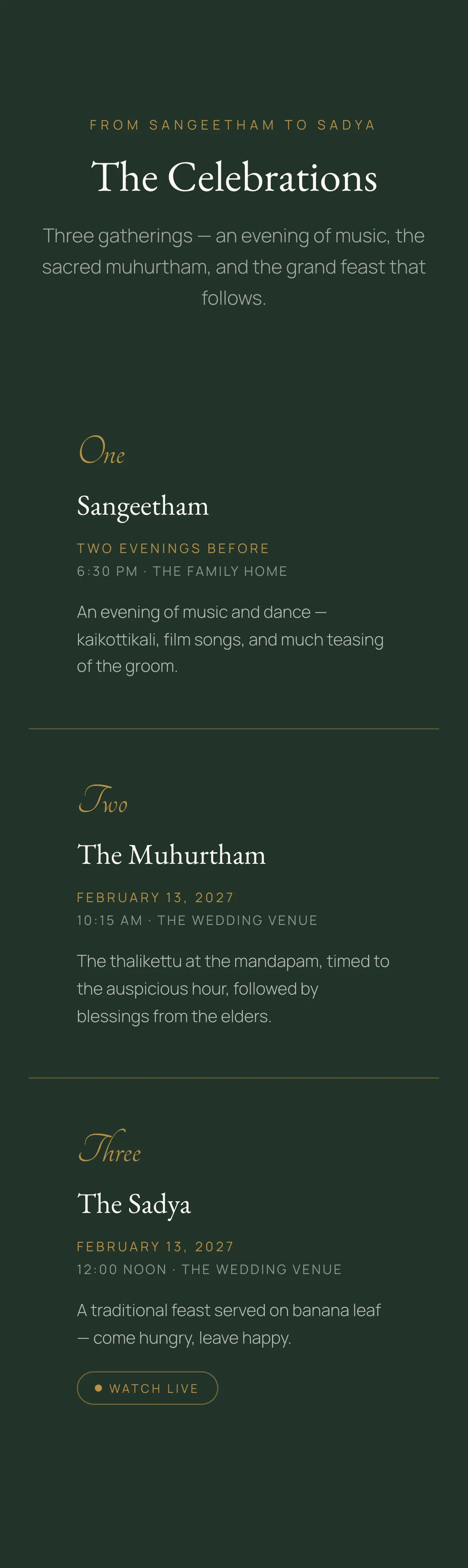
The story, the schedule, the travel details and the rest sit together, in the same order as your website.
You, for your own copy
Save the website as guests see it now, or with your latest edits that are not published yet.
What's in it
- Your website's sections, in the same order, at the width of a phone
- Your choice of sections, with the footer and your names always at the end
- The RSVP switch: it adds the RSVP sections and keeps the buttons, and a button can open your website's RSVP page or a direct RSVP link
- The registry switch: it adds or leaves out your blessings and registry
- The version you pick: what guests see now, or your latest edits
- If your website has a password, the PDF does not: anyone you send it to can read it
Questions about the PDF
How do I send the PDF?
Download opens your browser's print window. Choose Save as PDF there, then send the file on WhatsApp or by email, like any other document.
Will the RSVP button work in the PDF?
Yes, while the RSVP switch is on. You choose whether it opens your website's RSVP page or a direct RSVP link. Switch RSVP off and no RSVP link prints anywhere.
Does the PDF have my website's password?
No. If your website has a password, the PDF doesn't, so anyone you send it to can read it. Keep that in mind before you forward it.
Is the PDF made for printing?
It is made for phones: 390 pixels wide, the way your website looks on a phone. It is not laid out as a sheet of paper.
What if I change my website later?
A PDF is a copy made when you download it, so download it again after your changes. Your website link always shows the latest published version.
Ready to make your PDF?
Build your website first. The PDF is made from it, so it is ready when your website is.
Free today, no credit card needed.