
A wedding website that looks like your wedding.
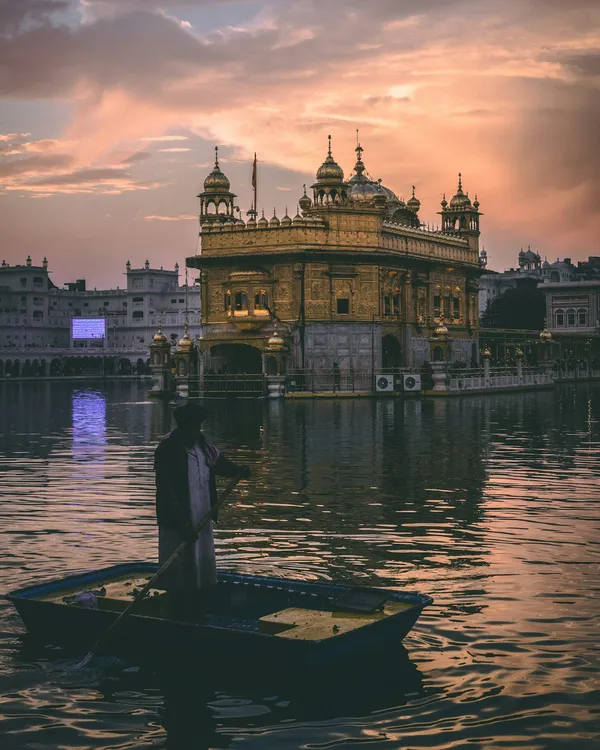
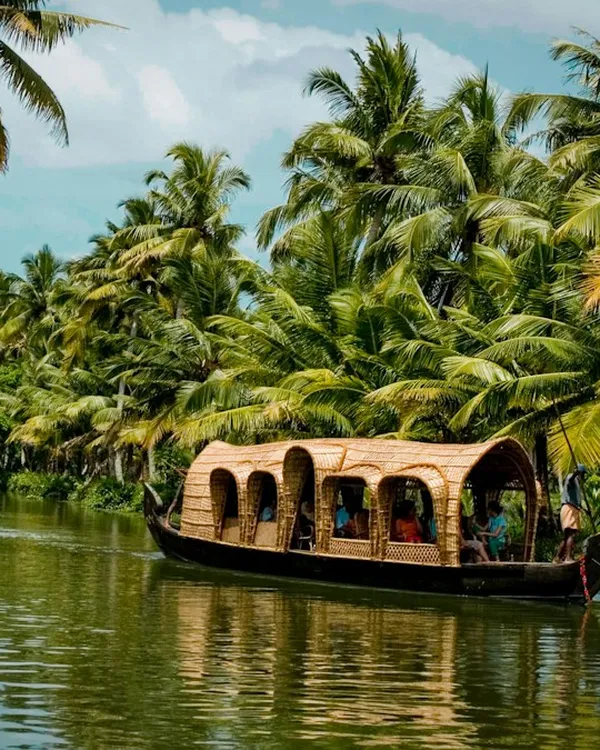
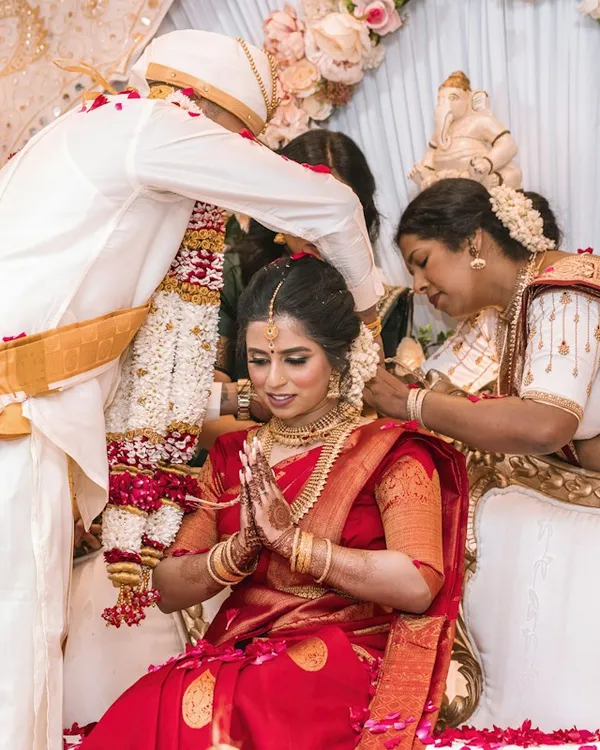
67 designs, 30 from Indian traditions. Add your story, your functions and your photos, and publish on your own link tonight.


- What it is
- A website for your wedding, built on a design made for it. Pick one, add your story and your functions, and share one link on WhatsApp.
- Who it’s for
- Couples who want something that looks like their wedding, and families who want one link to forward to everybody.
Three steps from your names to a live link.
Nothing goes live until you publish.
Add your details, then choose a design
Type your names, then try designs with them on before you choose.
Make it yours
Change words, colours, fonts and photos, and preview on any screen.
Publish, and share one link
Your website goes live on its own link, ready for WhatsApp.
Try it
Frame each photo for every screen.
A wide photo can crop badly on a phone and leave the couple out of their own picture. Here, phones and tablets can show a part you choose, or a different photo.

On phones, the middle of this photo shows and the sides are cut off. To pick which part shows, use “Choose for phones”.
This is a practice area with sample photos. Nothing you change here is saved.
The box on the photo shows the part phones will show. Tablets work the same way: the same view as computers, a part you choose, or a different photo.
The pages a design comes with.
Show or hide any page, and rename the menu labels to suit your family. Our story can read Hamari kahani. Prefer one long page? Any design can be switched to one page in Settings.
Home
Your cover and welcome, and short versions of sections from your other pages, each with its own text.
Our story
How you met, in your words, with a photo to go with it.
Your functions
Every function with its date, time and place, in one clear schedule.
Travel and stay
How to get there and where to stay, on designs that have a travel page.
Gallery
Your photos, framed so they look right on every screen.
Q & A
What to wear, where to park, and which family member to call.
RSVP
One form for every function, filled in from any phone.
How RSVP worksGiftsNew
Blessings & Registry: your registry links and a personal note. Every design has this section, and nearly every design gives it a page of its own.
About the registry
Pages are shown on Kasavu, with the sample names Meera and Arjun. These are captures of the real design, so its own wording shows, such as its date style. Pages and their names differ from one design to the next.
Private when you want it.
Add a password and only the people you give it to can open your website. Add a hint if you like, such as where they will find it. You do not need to publish again, though it can take a few minutes to reach everyone.
- Switch it on or off from Settings, whenever you like.
- Guests see a short page asking for the password, with your hint.
- Guests who do not have it are told to ask the couple.
Your website stays up after the wedding.
After the wedding the link keeps working, so family can come back to the story and the photos. If you would rather close it, you can take it offline yourself.
Everything included.
Everything here that is live is free today.
- 67 designs, 30 from Indian traditions
- Try any of them with your names before you choose.
- Your own link
- Made from your names, like thecuratedknot.com/w/meera-and-arjun.
- Your own domainComing soon
- Use a web address of your own.
- Edit your words, colours and photos
- Fonts too, with Undo and Redo.
- Preview before you publish
- See it on desktop, tablet and phone.
- Photos framed for every screen
- Phones and tablets can show a part you choose, or a different photo.
- Show or hide pages
- And rename the menu labels.
- Short versions on Home
- Sections from your other pages, each with its own text.
- Password protection
- With an optional hint. No need to publish again.
- RSVP on your website
- One form for every function. See RSVP
- Create with AI
- Draft your words in the AI chat you already use. See how
- Gifts: Blessings & RegistryNew
- On every design, with a page of its own on nearly every one.
- Wedding PDFNew
- Your website as one phone-sized PDF. See the PDF
- Take it offline any time
- And publish again whenever you are ready.
Compared with the usual way.
The usual ways are not wrong. They just stop working when something changes.
| The usual way | Works well for | Falls short when |
|---|---|---|
| A PDF card on WhatsApp | Reaching everyone. Nobody has to learn anything. | The venue moves or the sangeet shifts an hour, and the old PDF is still sitting in forty chats. |
| An Instagram post | Looking lovely, quickly, for friends who are on Instagram. | A guest needs the schedule or the travel plan. A post has no pages, and not every Bua is on Instagram. |
| A Google Drive folder | Sharing many photos and files in one place. | A guest taps the link and has to ask for access, or finds file names instead of a story. |
A wedding website does not replace the WhatsApp message. It is what the message links to: one place for the story, the functions, the travel and the reply.
Questions families ask
Do I need a designer or tech skills?
No. Pick a design, type your names, your story and your functions, and add photos. If you can send a WhatsApp message, you can do this. If you get stuck, a real person answers on WhatsApp.
How long does it take?
Add your details, choose a design and fill in the words, then publish in one step. You can keep editing afterwards: changes go live when you publish again.
Can I switch designs later?
Not once your website is set up, so try designs with your names first. Colours, fonts, words and photos stay yours to change.
Can I use my own domain?
Not yet. Custom domains are coming soon. Until then your website lives at thecuratedknot.com/w/ followed by your names, a short link that is easy to send on WhatsApp.
Can I keep it private?
Yes. Add a password, with a hint if you like. You do not need to publish again, though it can take a few minutes to reach everyone.
What happens after the wedding?
Your website stays up for at least 6 months after the wedding, so family can look back at the story and the photos. If you would rather close it, you can take it offline yourself and publish again whenever you like.
Start your website tonight.
Free today, with no card. Add your names, try the designs, and share the link when you are ready.